

No products in the cart.
Return To Shopموقعنا آمن من أجل سلامتك

No products in the cart.
Return To Shopموقعنا آمن من أجل سلامتك
1,300 ج.م
22 people are viewing this product right now
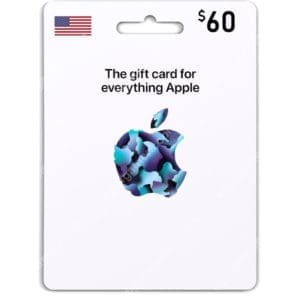
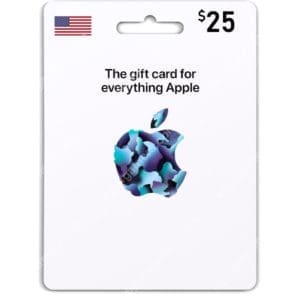
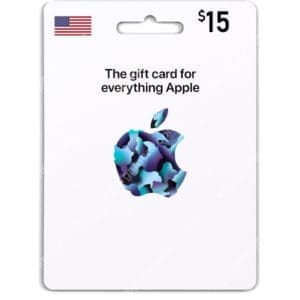
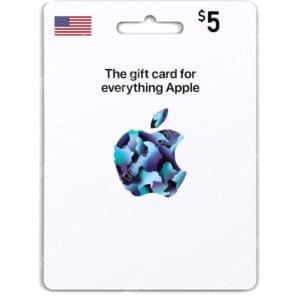
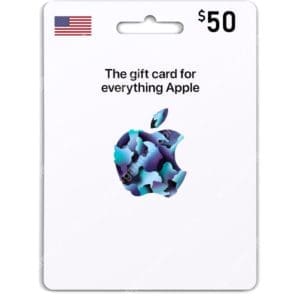
Apple iTunes Gift Card gives you all the excitement of discovering iTunes Store content . With this card, you can grant someone access to applications, music, movies and games. And the best part is you won’t let them down because they can choose what to buy. Enter the world of music with the card as a gift to a friend, family member,
ملحوظات:
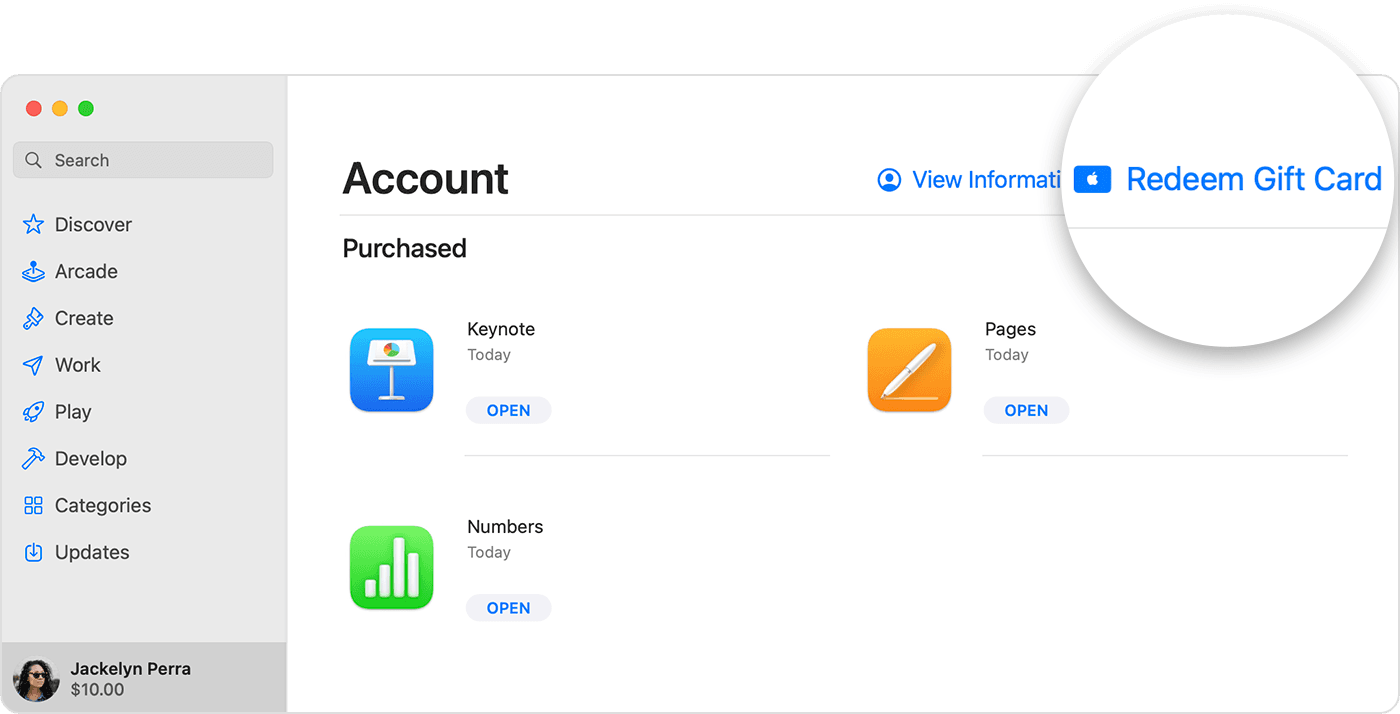
طريقة شحن بطاقات ايتونز :
1- ادخل إلى معلومات حسابك في Apple Store
2- ادخل إلى Redeem gift card or code.
3- ادخل كود البطاقة الذي حصلت عليه.
4- Click on Redeem
The Apple iTunes Gift Card opens the door to a world of entertainment through the iTunes Store. It’s a perfect way to give someone the freedom to choose from apps, music, movies, and games—so your gift is always the right one. Whether for a friend, family member, partner, or even yourself, this card offers an easy way to enjoy a wide range of content.
Dive into the music you love with access to both new releases and classic favorites. You can purchase single tracks or full albums and listen anytime, plus create custom playlists tailored to your taste. And it’s not just about music—the iTunes Gift Card also lets you enjoy HD movies, TV series, popular apps, fun games, and e-books for entertainment at home or on the go.
 or your photo.
In the United States, when you redeem a gift card to your Apple Account balance, the balance might appear in Apple Wallet.

 , then tap Account.
To redeem a gift card that someone emailed to you, open the email and tap or click the Redeem Now button.
When you redeem an Apple Gift Card or App Store & iTunes gift card, you can make purchases with your Apple Account balance. Those purchases can include apps, games, subscriptions like Apple Music or iCloud+, and more. But for some purchases, Apple Account balance can’t be used. Learn what you can buy with your Apple Account balance.
Where the Apple Gift Card is available, you can also use your Apple Account balance to buy products and accessories at apple.com or in the Apple Store app. See if Apple Gift Card is available in your country or region.
On an Android device, you can use your gift card to buy an Apple Music subscription. To make purchases from the App Store, Apple Books, or the Apple TV app, use an Apple device.
EXCELLENTTrustindex verifies that the original source of the review is Facebook. ناس محترمين جدا والكود بيوصل بدون تأخيرPosted onTrustindex verifies that the original source of the review is Facebook. موقع امن جدا وسرعة واحترافيةPosted onTrustindex verifies that the original source of the review is Facebook. خدمة سريعه بدون اي تعقيد، اشتريت PSN والكود وصل في خلال ربع ساعهPosted onTrustindex verifies that the original source of the review is Facebook. حقيقي اسرع والطف خدمة وفي منتهي الاحترام وفرو عليا صداع كتير ومجهور ع الفاضي في ٣ دقايق عملت الاوردر لقيت رقم الكارت علي الواتساب ارشحهم وبشده شكرا انكم موجودينPosted onTrustindex verifies that the original source of the review is Facebook. موقع امن جدا ومحترمين جداPosted onTrustindex verifies that the original source of the review is Facebook. التعامل معاهم سهل وسريع جداPosted onTrustindex verifies that the original source of the review is Facebook. التعامل كويس جدا بجد وقمه ف الاحترام ❤️🫶🏻Posted onTrustindex verifies that the original source of the review is Facebook. خدمة سريعة و مضمونة جداً ❤️Posted onTrustindex verifies that the original source of the review is Facebook. ناس في قمة الذوق و الادب و التعاونPosted onTrustindex verifies that the original source of the review is Facebook. التعامل معاهم في قمة السلاسة

1,300 ج.م