

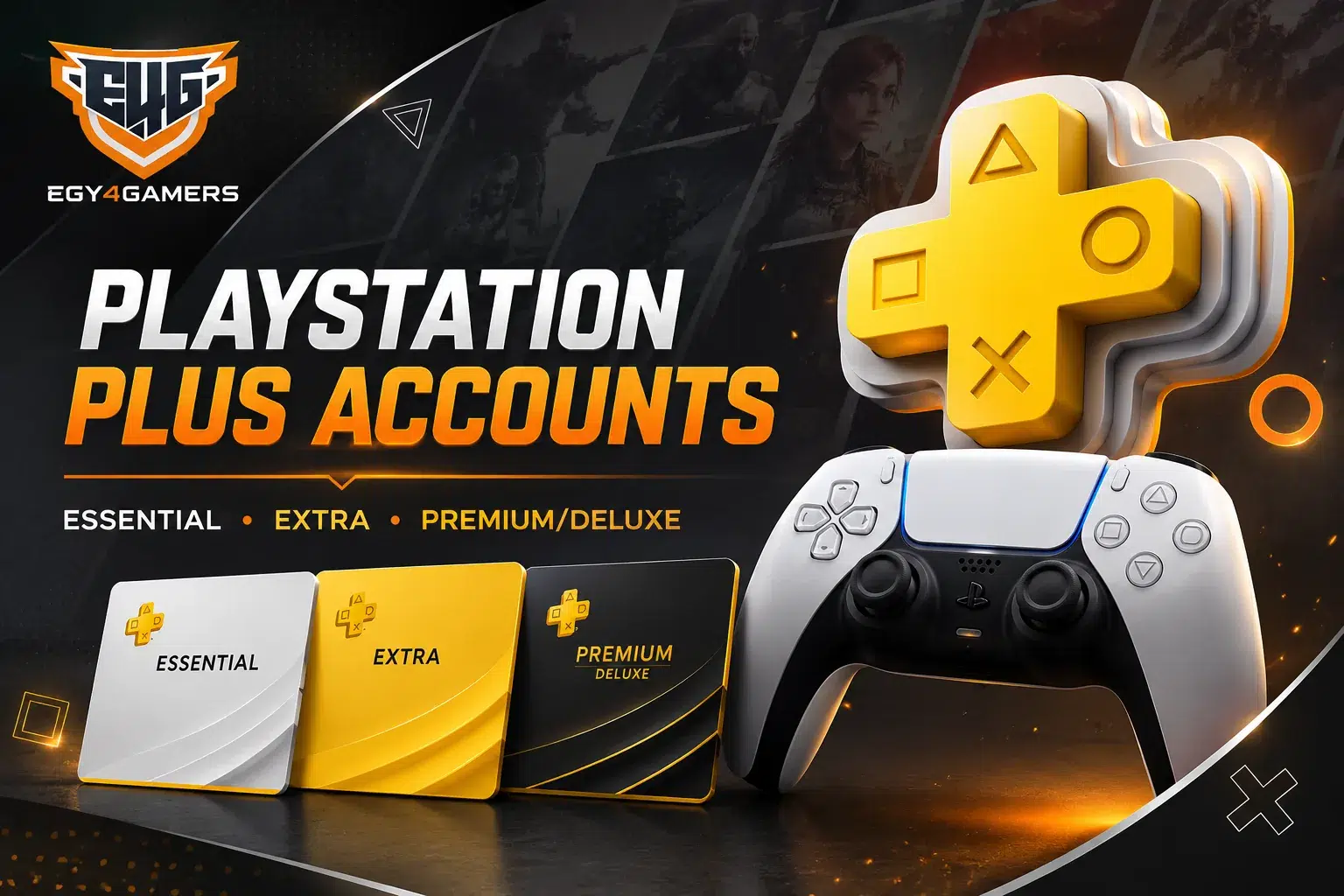
Choosing the right PlayStation Plus option is not only about finding the lowest price. The better choice depends on how you play, which console you use, the subscription duration you need, and whether your priority is online multiplayer, a larger games catalog, or additional membership benefits.
At Egy4Gamers, players can compare different حسابات PlayStation Plus for PS4 and PS5, with Essential, Extra, and Deluxe options available across different subscription periods and account types.
Some users only need access to online multiplayer, while others prefer PlayStation Plus accounts with games through a wider catalog. Understanding these differences before ordering can help you choose the right account instead of paying for features you may not use.
This guide explains the available tiers, prices, activation methods, PS5 compatibility, account types, delivery process, and what to check before you buy.
What Are PlayStation Plus Accounts?
A PlayStation Plus account based product gives the buyer access to a PSN account that already includes an active membership for a specific period.
This works differently from redeeming a subscription code directly on your personal PSN profile. When customers buy PlayStation Plus accounts, they should therefore check the account type, subscription period, console compatibility, and activation instructions before placing an order.
Depending on the available product, account options may include:
- Essential, Extra, or Deluxe membership.
- 1 month, 3 months, or 12 months.
- PS4 or PS5 compatibility.
- Full Account, Primary, or Secondary access.
These details matter because two PlayStation Plus subscription accounts can belong to the same membership tier but offer different access conditions depending on how the account is configured.
If you want a broader introduction to PlayStation membership plans, the PlayStation subscription guide explains how subscriptions work and what players should compare before choosing one.
PlayStation Plus Account vs Subscription Code
A subscription account and a redeemable code solve the same general need in different ways.
A code is usually redeemed on a compatible personal PSN account. An account based product gives the customer access through another PSN profile where the subscription is already active.
| Option | How It Works | Suitable For |
|---|---|---|
| PlayStation Plus Account | Uses an account that already includes an active membership | Players specifically looking for account based access |
| Subscription Code | Redeemed on an eligible personal PSN account | Players who want the subscription attached to their own profile |
| PSN Wallet Credit | Adds balance to a compatible PSN wallet | Players who want more control over Store purchases |
The better option depends on whether you prefer to manage the membership through your own PSN profile or use an account supplied with an active subscription.
You can also review the PlayStation digital store Egypt guide to understand the differences between subscriptions, wallet credit, digital products, and game accounts.
Which PlayStation Plus Tier Should You Choose?
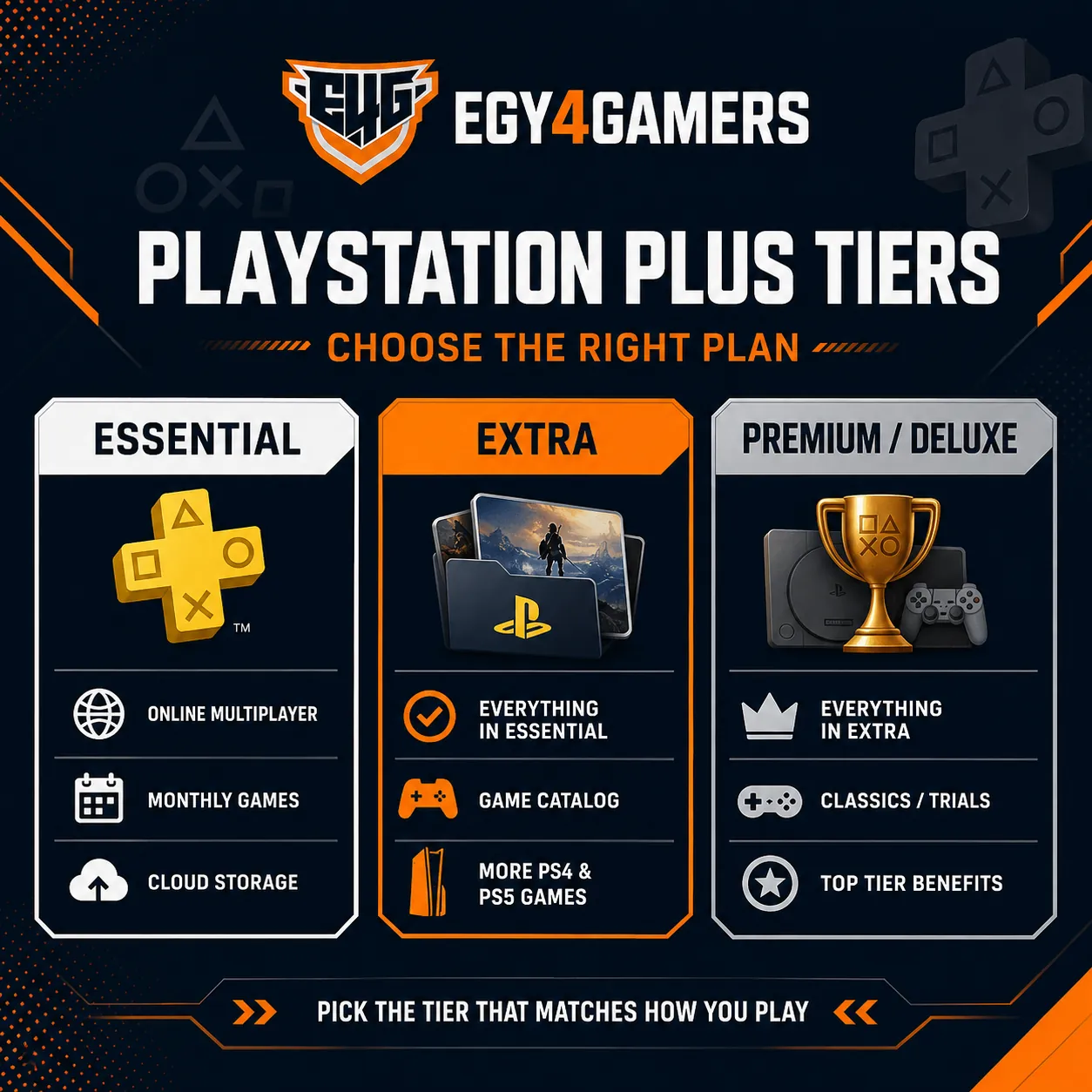
The right membership tier depends on the features you actually use.
Players who mainly want online multiplayer may not need the same plan as someone who regularly downloads different PS4 and PS5 games. Before comparing PS Plus accounts for sale, look at the benefits of each tier rather than focusing only on the displayed price.
PlayStation Plus أساسي
Essential provides the core PlayStation Plus experience.
It is usually suitable for players who already own most of the games they play and mainly need online multiplayer, monthly games, cloud storage, member discounts, and other basic membership features.
If budget is your main concern, PlayStation Plus Essential accounts are generally the first tier worth comparing. They offer the core subscription benefits without adding the larger Game Catalog available in higher plans.
This can also make Essential relevant to players searching for cheap PlayStation Plus accounts without paying for features they do not expect to use.
PlayStation Plus Extra
Extra is designed for players who want more than the basic membership benefits.
In addition to the features included with Essential, PlayStation Plus Extra accounts provide access to the Game Catalog, giving subscribers a wider selection of PS4 and PS5 titles to explore during their membership.
Extra may suit you if you:
- Play several games throughout the year.
- Want access to a larger downloadable catalog.
- Enjoy trying different genres.
- Use both multiplayer and single player games.
- Prefer having more games available without purchasing each title individually.
Players comparing subscription options locally can also read the Ps Plus Subscription in Egypt guide for more context on PlayStation Plus membership choices.
Premium and Deluxe
The highest PlayStation Plus tier is named differently depending on the region.
Some regions use Premium, while others use Deluxe. Both sit above Extra, but the exact benefits can differ according to regional availability.
Players searching for PlayStation Plus Premium accounts should therefore check the account region before assuming that Premium and Deluxe provide identical features.
Deluxe generally builds on the Extra tier by adding benefits such as classic titles and game trials. Premium may include additional functionality in supported markets.
At Egy4Gamers, the highest tier currently offered in the PlayStation Plus account range is listed as Deluxe, so the actual product name and region should always be reviewed before purchase.
If classic titles are important to you, the classic PlayStation games guide can help you explore older PlayStation experiences in more detail.
PlayStation Plus Accounts for PS5
PS5 users should confirm compatibility before choosing an account.
Although many PlayStation Plus benefits apply across supported consoles, the exact activation method can vary according to the purchased account type. This becomes especially important when comparing PlayStation Plus accounts for PS5, since Full, Primary, and Secondary access may involve different setup requirements.
A PS5 player should check:
- Whether the account explicitly supports PS5.
- Which membership tier is active.
- How long the subscription remains valid.
- Whether the account is Full, Primary, or Secondary.
- Whether Console Sharing is required.
- What instructions are provided after delivery.
Taking a few minutes to review these details can prevent confusion after payment.
Full Account, Primary or Secondary: What Is the Difference?
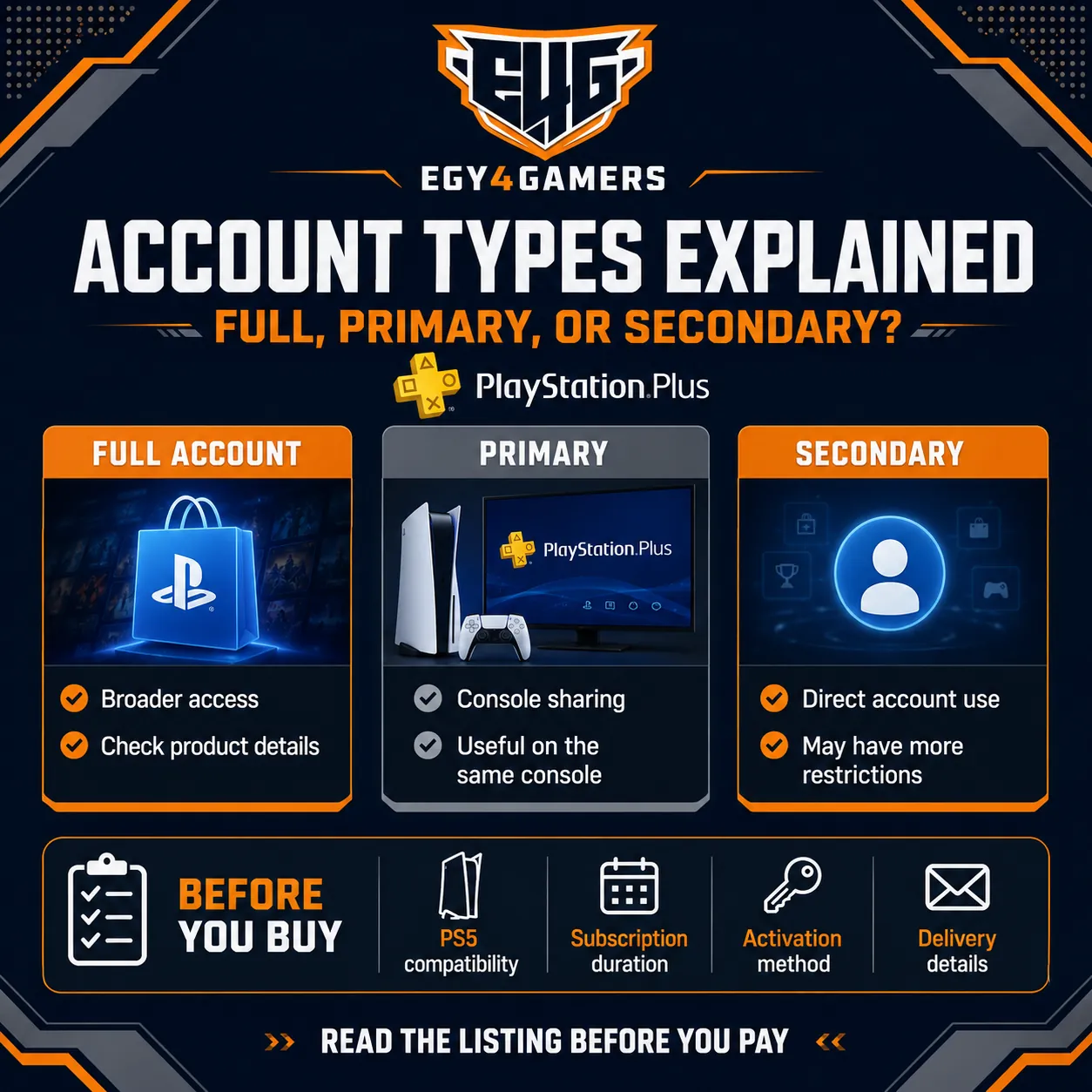
These labels describe how access to the supplied account is intended to work.
They should not be treated as interchangeable because each type may involve different usage conditions.
Full Account
A Full Account normally gives broader access to the supplied profile than shared activation options.
The exact permissions may vary by product, so the listing should always be checked before purchase.
Primary Account
A Primary option generally uses console sharing or primary console functionality.
This can allow eligible games or subscription benefits from the supplied account to be used from another profile on the same console, depending on the platform and configuration.
Secondary Account
A Secondary option may require more direct use of the supplied account.
Because these access types can affect the day to day gaming experience, customers comparing PSN Plus accounts deals should not choose based on price alone. The cheaper option may have different restrictions from a Full or Primary account.
PlayStation Plus Accounts With Games
One reason players move beyond the Essential tier is access to a wider selection of games.
With Extra, subscribers can access the Game Catalog, while the highest regional tier may add classics or game trials. This means PlayStation Plus accounts with games can offer different value depending on the selected plan and the types of games you actually play.
A player who regularly explores new titles may get more value from Extra than someone who spends most of their time on the same multiplayer game.
However, game availability can change over time. If a specific title is the main reason you are considering a subscription, check the current catalog before ordering rather than assuming it will remain available throughout the entire membership period.
For families buying an account for younger players, the size of the game catalog should not be the only consideration. Parents should also review age suitability, online interaction features, parental controls, and any in-game purchases available within the titles their child plans to play.
This makes it useful for parents to review both the PlayStation Plus tier and the individual games their child plans to access before choosing an account.
PlayStation Plus Accounts Price
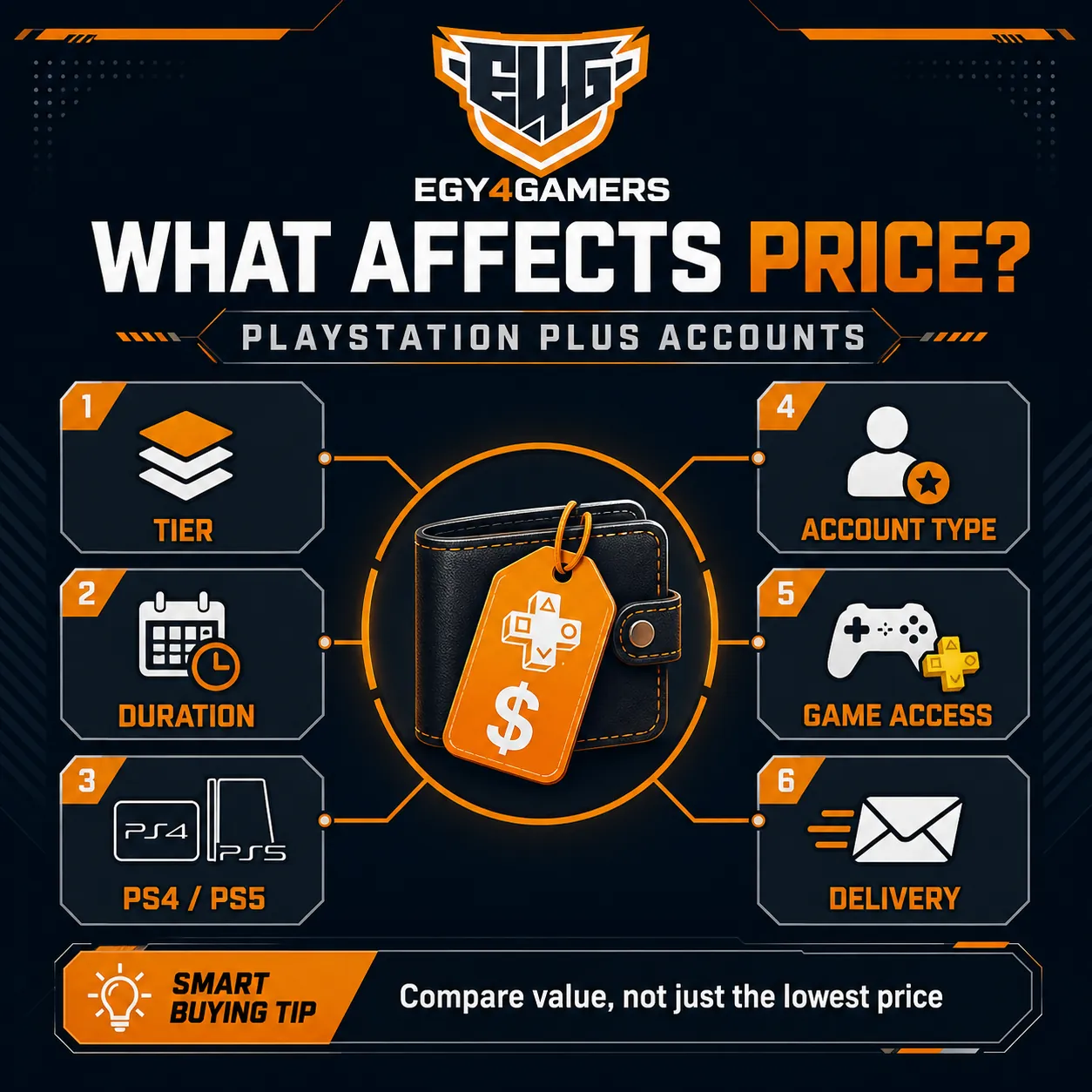
The final cost depends on more than the membership name.
When checking PlayStation Plus accounts price, compare the complete configuration of the product, including:
- Membership tier.
- Subscription duration.
- PS4 or PS5 compatibility.
- Full, Primary, or Secondary access.
- Current availability.
- Delivery conditions.
A 12 month plan will naturally differ from a one month option, while Extra or Deluxe may cost more than Essential because they include additional benefits.
It is also worth comparing the effective value over the full subscription period. A lower upfront price does not always mean a better long term deal.
For players who prefer funding their own PSN profile instead, the PlayStation wallet top up Egypt guide explains another way to purchase PlayStation content.
How to Find Cheap PlayStation Plus Accounts
Finding a good deal starts with choosing the tier you genuinely need.
Someone who mainly plays online multiplayer may find Essential sufficient. Another player who downloads several titles every month may find Extra more useful despite the higher cost.
This is why cheap PlayStation Plus accounts should be evaluated according to overall value rather than the smallest displayed price.
Before ordering, compare:
- Subscription length.
- Membership features.
- Account type.
- Console support.
- Included access.
- Delivery method.
You may find that paying slightly more for a better suited plan saves money compared with buying a cheaper account and replacing it soon afterward.
What Does Verified PlayStation Plus Accounts Mean?
The word “verified” requires careful interpretation.
When third party sellers describe verified PlayStation Plus accounts, this may refer to checks performed by the seller, such as confirming the subscription status, membership tier, or login details.
It should not automatically be interpreted as official Sony or PlayStation verification.
Before buying, focus on practical information such as:
- Membership tier.
- Subscription duration.
- Account type.
- PS5 compatibility.
- Delivery method.
- Activation requirements.
- Support options.
- Store policies.
Clear product information is more useful than relying on broad claims such as “verified” without understanding what has actually been checked.
PlayStation Plus Accounts Activation
The activation process depends on the type of account supplied and the console you use.
For this reason, PlayStation Plus accounts activation should always begin with reading the instructions included with the product rather than applying one setup method to every account.
On PS5, some account types may involve Console Sharing and Offline Play. The setting is available through the console’s Users and Accounts menu.
Before starting, confirm:
- The account supports your console.
- The correct login information has been received.
- The subscription is active.
- You understand whether the account is Full, Primary, or Secondary.
- You are following the correct PS4 or PS5 instructions.
If something does not work, review the supplied setup steps before making changes to the account credentials or console configuration.
How Fast Are PlayStation Plus Accounts Delivered?
Digital delivery is one of the main reasons many players prefer buying online.
Customers searching for PlayStation Plus accounts instant delivery are usually looking for quick access after payment. However, delivery speed should be described according to the actual timeframe shown by the seller rather than using “instant” as a guarantee when processing may take additional time.
Before purchasing, check the latest product page for the expected delivery period and any conditions related to payment confirmation or stock availability.
A clearly stated delivery window is more useful than assuming every digital product arrives immediately.
If you are buying wallet credit, the Buy PSN cards Egypt guide explains why PSN account region matters when selecting a card.
What to Check Before You Buy PlayStation Plus Accounts
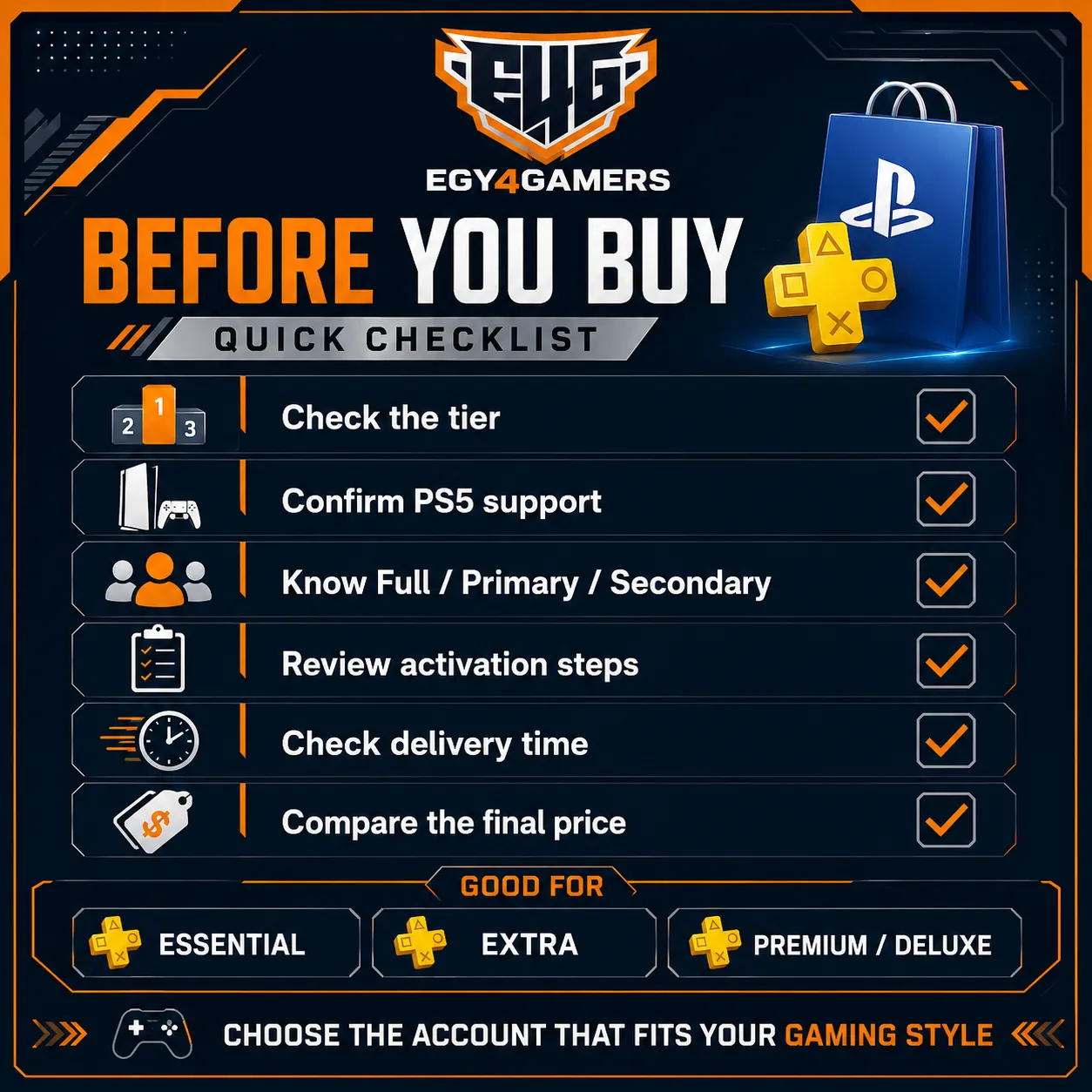
A good purchasing decision starts with understanding exactly what is included.
Before you buy PlayStation Plus accounts, review the product description carefully and confirm:
- Whether you are buying an account or a code.
- The membership tier.
- The subscription period.
- PS4 and PS5 compatibility.
- Full, Primary, or Secondary access.
- Delivery timeframe.
- Activation steps.
- Current price.
- Store support conditions.
- Any relevant usage restrictions.
This is especially important when several listings appear similar. A cheaper option may differ in duration, account type, or console access.
How to Choose Between Essential, Extra and Premium/Deluxe
Start with your normal gaming habits.
If online multiplayer is your priority and you already own your favorite games, Essential may provide everything you need.
Extra is more suitable when you want a larger catalog and regularly switch between different games.
Premium or Deluxe becomes more relevant if you value additional benefits such as classic titles or game trials, depending on the region.
Instead of automatically choosing the most expensive tier, compare how often you are likely to use each feature.
Why Compare PlayStation Plus Accounts at Egy4Gamers?
Egy4Gamers allows Egyptian gamers to compare multiple PlayStation Plus account options in one place.
Different subscription periods and membership levels make it easier to select an account according to your console, budget, and gaming habits. Customers can also explore other PlayStation related content covering subscriptions, wallet credit, PSN cards, digital games, and regional compatibility.
For someone comparing حسابات PlayStation Plus, the most useful approach is to check the current product specifications immediately before ordering because available account types, prices, and subscription periods may change.
Choosing the Right PlayStation Plus Account Before You Buy
A PlayStation Plus purchase becomes much easier when you compare the full package instead of focusing on a single feature.
Your console, membership tier, subscription length, account type, gaming habits, and budget should all influence the decision. This is particularly important for PS5 players because activation and account sharing conditions can differ between listings.
If you are comparing PlayStation Plus Accounts for PS5, start by deciding whether Essential, Extra, or Premium/Deluxe matches your needs. Then compare the account type and delivery conditions before looking at price.
Players interested in PlayStation Plus subscription accounts mainly for online multiplayer may find Essential enough, while users who want a broader games catalog may get more value from Extra.
For buyers focused on PSN Plus accounts deals, the best offer is not always the cheapest listing. The better deal is the one that provides the right subscription period, console compatibility, account access, and membership benefits for the way you actually play.
Start With the Right PlayStation Plus Account
Choosing حسابات PlayStation Plus becomes simpler once you know which features matter most to you.
Essential covers the core membership experience, Extra expands access with a larger game catalog, and Premium or Deluxe adds further benefits according to the account region.
Before ordering from Egy4Gamers, check the current membership tier, subscription period, PS5 compatibility, account type, activation requirements, and expected delivery window.
Whether you are searching for cheap PlayStation Plus accounts, PlayStation Plus accounts with games, or an account suitable for PS5, compare the complete product details before making your final decision.